Commercial hauling
Commercial accounts without the spreadsheet
Front-load containers, pickup frequency and billing on one customer record, with the driver's overflow report in front of your office.
Last updated
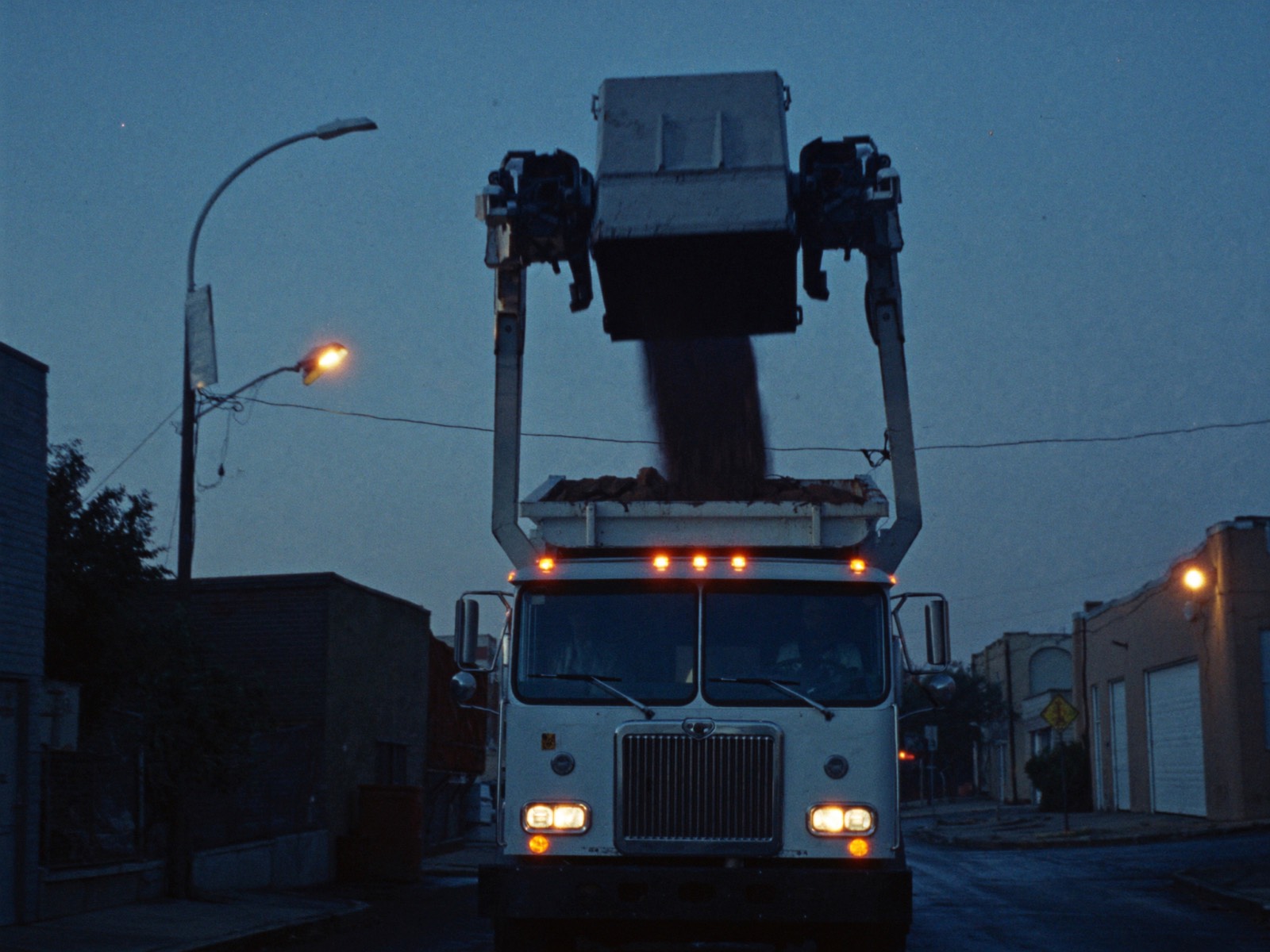
A commercial account is a container, a size and a schedule. WaysteStar stores each one on the customer's location, builds the pickups on front-load routes, and bills the service on its cycle. Drivers work the same stop list as every other route. When a container is overflowing or holding something it should not, the driver reports it with a required photo, and the office sees it with the reason and decides what to charge.
- Container size and pickup frequency set on each service
- Front-load routes and trucks kept separate from other work
- Driver reports with a photo for office review
Commercial work leaks money quietly
The trouble is rarely the pickup. It is the extra yard, the added day and the charge nobody wrote down.
- A customer asks for a second weekly pickup and it never reaches the route.
- A driver sees an overflowing container and has no way to show the office.
- Container sizes on the invoice drift from what is actually at the site.
- Nobody knows how many 6-yard containers are in the yard and how many are out.
- A compactor is hauled on request and the charge is added by memory.
- Seasonal customers pause and restart with a phone call and a sticky note.
Capabilities
Commercial capabilities
What a front-load hauler needs from the first quote to the monthly invoice.
Size and frequency
Set 2, 4, 6 or 8 yard containers collected one to five times a week.
Front-load routes
A dedicated route type, so front-load stops stay with front-load trucks.
Container inventory
Track each container by serial, size, condition and status, with stock by yard.
Commercial signup
Businesses can order from a menu of container sizes and frequencies online.
Driver problem reports
Couldn't access, overage, extra items and contamination come with a required photo.
Office review
Reported problems wait for someone to decide, so the charge is a person's call.
Compactor service
Run compactors as an ongoing placement with scheduled hauls.
Recurring billing
Bill container service on billing groups, with fuel surcharges and taxes.
Account history
See services, containers, invoices and activity on one customer page.
How a commercial account runs
From the quote to a clean invoice.
Step 1
Set up the service
Pick the container size and frequency and attach it to the location.
- Quote or order online
- Container recorded at the site
- Pickup days on the route
Step 2
Drivers work the route
The stop appears in order on the cab tablet.
- Completed stops feed billing
- Exceptions need a photo
- Office is notified right away
Step 3
The office closes the loop
Reported problems are reviewed, then billed or cleared.
- Extra pickups booked from the queue
- Charges approved by a person
- Invoices run by billing group
Commercial software checklist
Tick what your current system does today. Anything left unticked is a charge you may be missing.
0 of 10 checked
Have a question?
Frequently asked questions
No. The report reaches the office with the photo and the reason, and a person decides whether and how much to charge.
The commercial signup menu offers 2, 4, 6 and 8 yard containers collected one to five times a week, and every other week for 2-yard.
No. WaysteStar does not track lift counts, weight per lift or fill-level sensors.
Yes. A compactor runs as an ongoing placement with scheduled hauls, planned and billed like other ongoing roll-off service.
Still curious? Call (779) 256-5501