Residential hauling
Residential routes that run themselves
Signup, service days, curbside routes, carts and billing in one system, so a new subscriber is on the board before the next pickup day.
Last updated
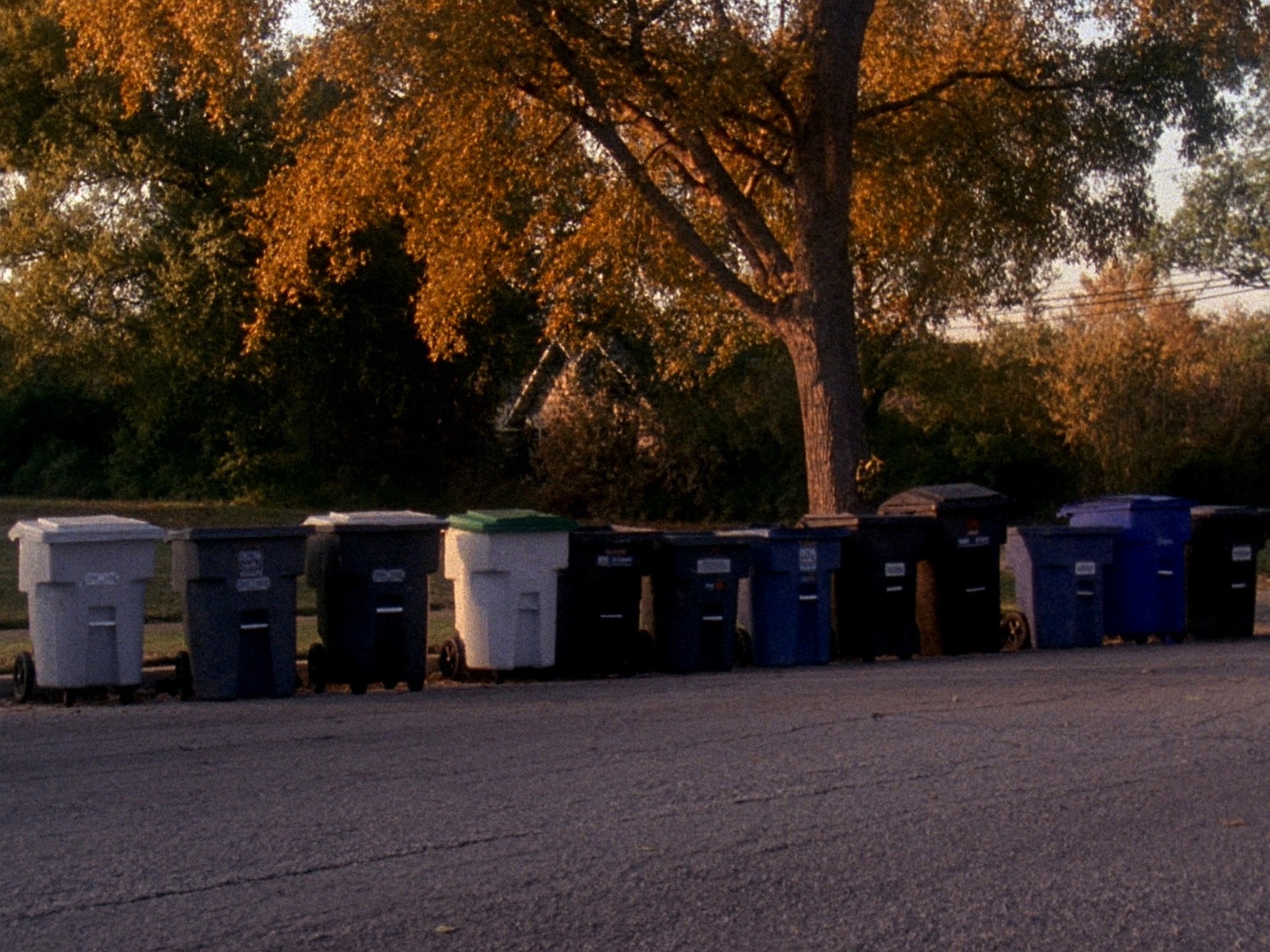
Residential hauling runs on repetition: the same streets, the same day, every week. WaysteStar keeps that repetition in the recurring service, so each customer's pickups are planned ahead and land on the right route without anyone rebuilding the sheet. Residents sign up online, pick trash, recycling and add-ons for their address, and the office sees the order on the board. Missed stops go back to the office with a reason, and your staff decide when to make them up.
- Each zone has its own service day, with its own prices
- Online signup for trash, recycling and add-ons
- Cart delivery and removal proven with serial and placement photos
Residential trouble starts at the curb
Most residential complaints are small: a cart that never arrived, a day that changed, a pickup nobody can account for.
- A subscriber signs up and the office keys it in by hand a week later.
- A service day changes and half the affected customers never hear about it.
- A cart is delivered to the wrong address and nobody can show where it went.
- A missed pickup becomes a phone call, then a note, then a forgotten rebook.
- Bulky-item pickups get squeezed in on whatever day is open.
- Billing groups drift from the routes that serve them.
Capabilities
Residential capabilities
What a residential hauler uses every day, from the first signup to the monthly bill.
Service day by zone
Draw a zone, set its service day and prices, and addresses inside it get them.
Online signup
Residents check their address, choose trash, recycling and add-ons, and order online.
Recurring pickups
Services become dated stops on the right route, planned 56 days ahead.
Right-side routing
Sequence a route so carts stay on the truck's collection side.
Recovery day
Set the day missed pickups are made up. Staff see it; residents never do.
Bulky-item day
Set the day large items are booked, shown to a resident only inside the order it governs.
Cart delivery and removal
Drivers photograph the cart serial and where it was placed.
Pickup-day change notices
Move a service day, preview who is affected, and notify those customers.
Billing groups
Put accounts on billing cycles, with proration for mid-period starts.
From signup to the first pickup
The order, the route and the bill stay connected.
Step 1
A resident signs up
They enter an address, and the zone decides what is offered and when.
- Trash, recycling and add-ons
- Zone service day applied
- Card or bank payment at signup
Step 2
The cart goes out
A delivery stop lands on a route, and the driver proves it.
- Serial photo
- Placement photo
- Cart stock tracked by yard
Step 3
Pickups run weekly
Drivers work the stops in order; skips come back with a photo and a reason.
- Blocked cart or no access reported
- Office rebooks for the recovery day
- Rebook priced at nothing by default
Residential software checklist
Tick what your current system does today. Anything left unticked is hand work for your office.
0 of 10 checked
Have a question?
Frequently asked questions
Not today. Residents can ask for an extra pickup or report a problem in the portal, and your office reviews each request.
No. The recovery day is for staff only. A rebook always needs someone in your office to agree to it, so residents are never promised a date.
Each cart has a serial, size and status. Drivers photograph the serial and the placement when they deliver or remove one.
A rebook opens priced at nothing, since the miss was yours. Your office can change the price before saving.
Your customers, services and routes come in from spreadsheet exports during setup. We set the company up with you.
Still curious? Call (779) 256-5501