Roll-off hauling
Roll-off work planned can by can
Book the job, plan the can by date, prove the delivery and bill the rental, all from the same record the driver works from.
Last updated
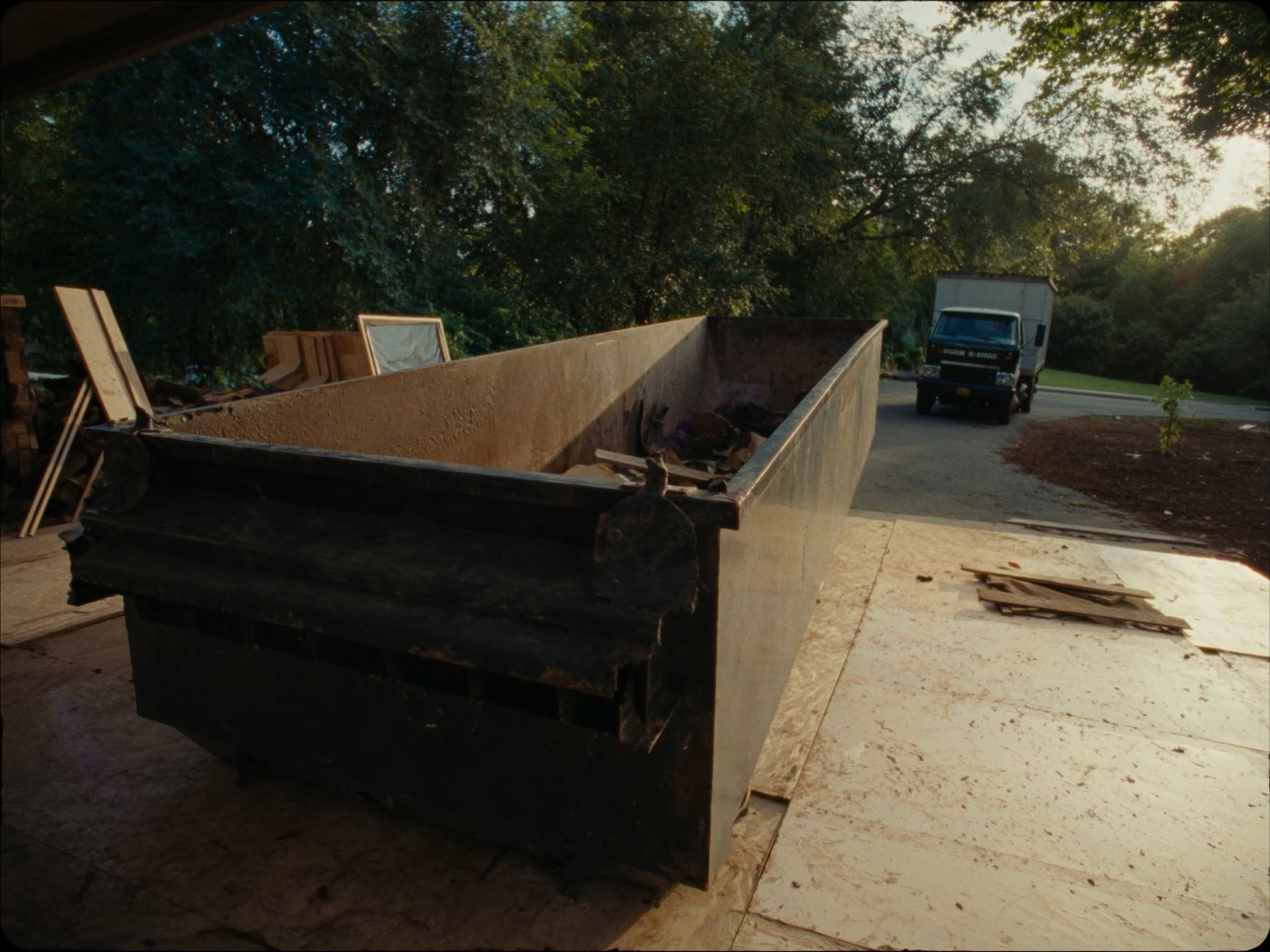
Roll-off is the busiest part of most haulers' day and the easiest to lose track of. In WaysteStar, the office books the size, dates, site and terms, and dispatch picks the actual can for each delivery. A can can be out at one customer while it is planned for the next, and the system refuses plans that overlap. Drivers prove each delivery and pickup with the serial and a placement photo, and the scale ticket feeds disposal and billing.
- Deliveries, swaps, dump-and-return and final pickups
- Rental terms with included days, overage and extensions
- Shortages flagged before you promise a can you do not have
Roll-off breaks when the yard is a guess
Most roll-off mistakes come from not knowing which can is where, and what is already promised.
- Two jobs are promised the same 20-yard can for the same morning.
- A can sits at a site for weeks past its term and nobody notices.
- A swap is done and the paperwork still shows the old can.
- A haul is completed with no scale ticket and the disposal cost is guessed.
- A customer asks for three more days and the extension never reaches the invoice.
- Online orders arrive in one place and dispatch plans in another.
Capabilities
Roll-off capabilities
From the order to the final pickup and the invoice.
Every action
Deliver, swap, dump and return, and final removal each have their own flow.
Can planning by date
Dispatch picks the can for each delivery and sees conflicts before the day.
Yard at a glance
See what is in the yard, out at sites and promised, by size.
Shortage check
The office is told when a size cannot be covered for the dates booked.
Rental terms
Set included days and a daily charge after the term.
Approved extensions
Agree extra days with a charge, and the expected end date moves.
Scale tickets
Drivers enter net tons, ticket number and a photo at the dump.
Proof on every move
Serial and placement photos for each delivery and pickup.
Online roll-off orders
Customers order and pay online, and dispatch gets the delivery to plan.
How a roll-off job runs
One booking, from the first call to the closed rental.
Step 1
Book the job
The office or the customer sets the size, site, dates and terms.
- Online order with payment
- Delivery work order created
- Pickup added when a date is given
Step 2
Plan the can
Dispatch picks the can for the dates and puts the stop on a route.
- Overlaps refused
- Expected returns marked as expected
- Overdue cans flagged
Step 3
Prove and bill
The driver delivers, hauls, dumps and photographs it all.
- Scale ticket at the dump
- Disposal billed per ton
- Rental days and overage on the invoice
Roll-off software checklist
Tick what your current system does today. Anything left unticked is a can you may lose track of.
0 of 10 checked
Have a question?
Frequently asked questions
No. The customer books a size and dates, and dispatch plans which physical can goes out.
A haul cannot complete without one unless the office records why, such as clean wood or a site with no scale. The haul is then billed for the haul only.
Yes. You can record a customer-owned or third-party container on site, with a description instead of a serial, and haul it like any other.
No. A can's place comes from recorded movements and driver proof. Where nothing was recorded, WaysteStar shows it as unknown.
No. Drivers log the ticket at the dump and disposal is billed from it, but WaysteStar does not run a scale house.
Still curious? Call (779) 256-5501